How Blackout Periods Affect Live Viewing and Delayed Replay Access
Checking the Schedule Window Before Live Events
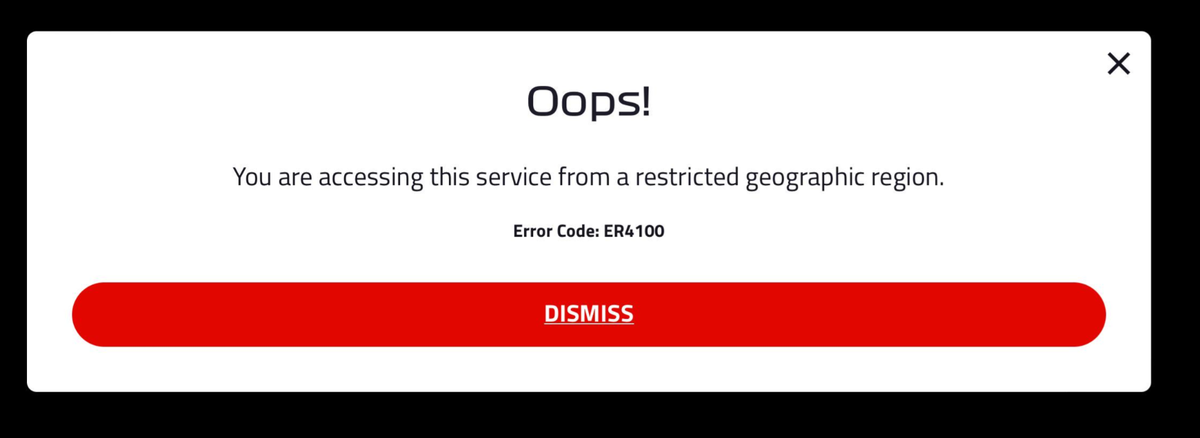
Blackout periods are time-based restrictions that prevent live streaming of certain sports, broadcast, or premium content in specific regions. These restrictions are generally tied to local broadcasting rights agreements - a broadcaster or league typically sells exclusive live rights to a specific regional partner, which is why the same event can be freely streamed on one platform in one country while being blocked entirely on another platform serving a different region, even under an active subscription there. The first step for any viewer is checking the official schedule or event page for a "Blackout," "Restricted," or regional availability notice before the event starts. This label is usually shown near the live stream button or within the event details section of the app or website, though exact wording and placement can differ between platforms.
If you see a blackout warning before the event begins, a delayed replay - often labeled "Replay," "Full Replay," or "On-Demand" - will typically become available once the blackout period ends. This period can range from a few hours to several days, depending on the league, broadcaster, or rights holder involved. Checking the same event page after the scheduled end time generally shows either a countdown timer or a "Replay available" label. It's worth not assuming the replay becomes accessible the instant the live event ends - confirming the exact unlock time on the platform's help or event details page is the more reliable approach.
Identifying Blackout Labels on the Player or Event Page
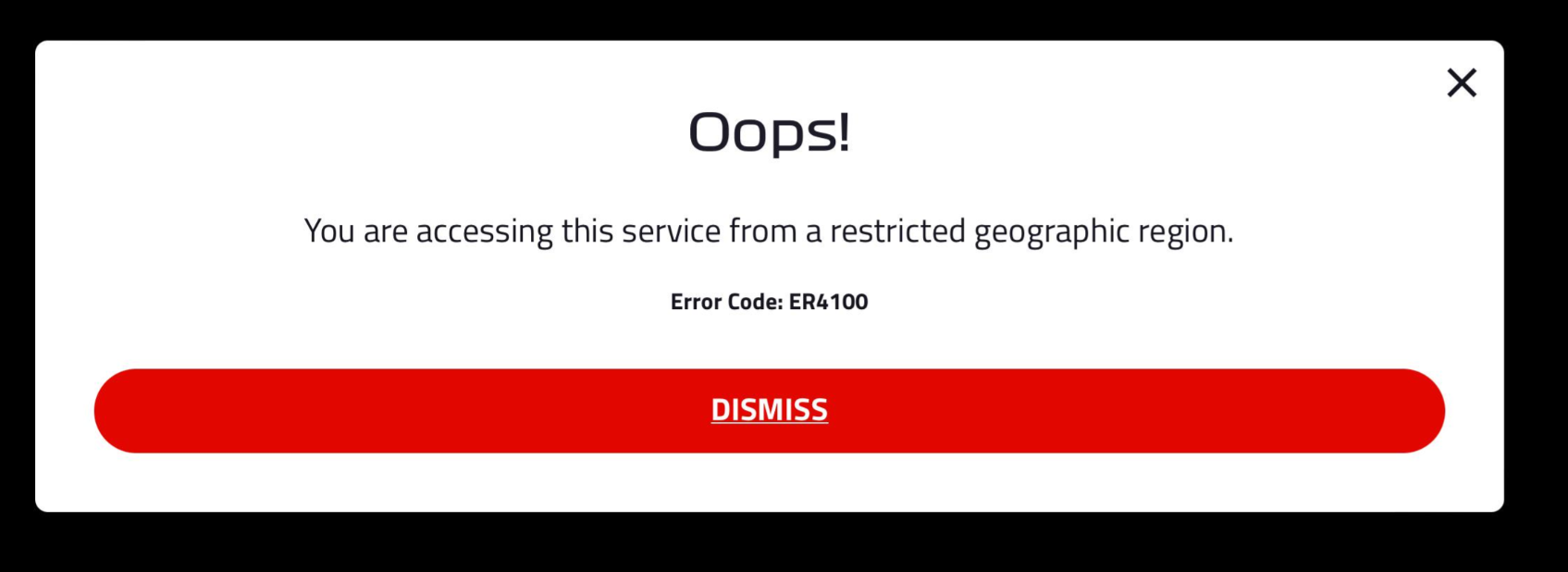
During a live event, blackout restrictions often show up as a pop-up message, a grayed-out play button, or a text notice inside the video player itself. Common labels include "Not available in your region," "Blackout in effect," "Restricted," or "Watch on [local broadcaster name]." Seeing any of these while trying to watch live generally means replay access will also be delayed. The platform may show a "Replay available after" message with a specific time or date, which tends to be the most reliable indicator of when the delayed version unlocks.
For viewers outside the restricted region, the same event may be available live with no blackout at all — this is because the restriction is generally tied to your account's registered location or the network you're connecting from, not to the platform itself. This is worth understanding mainly so it's clear why the same subscription can behave differently depending on where you are: it reflects a genuine, legally licensed regional rights arrangement rather than a platform error. It's worth noting that deliberately masking or spoofing your location specifically to access blackout-restricted content (through a VPN, for instance) is something most platforms' terms of service explicitly prohibit, separate from whether it's technically possible — worth being aware of before considering it as a workaround. If you happen to be genuinely traveling outside the restricted region, checking the event page again from that location is a reasonable thing to do; if a blackout label still persists there, the replay will generally still follow the same delayed schedule regardless.
Comparing Live, Blackout, and Replay Conditions
The table below summarizes the general differences between live viewing, blackout restrictions, and delayed replay access, along with a reasonable next step for each.
| Viewing Condition | Visible Label or Place to Check | Next Action |
|---|---|---|
| Live stream available | Play button is active; no restriction notice on the event page | Tap play and watch live; no replay delay is generally expected |
| Blackout in effect during live event | "Blackout in effect" or "Not available in your region" shown on the player or event page | Close the live stream; check the event page for a "Replay available after" time or date |
| Delayed replay ready to watch | "Replay," "Full Replay," or "Watch Replay" button appears on the event page | Tap the replay button; if it's missing, wait until the stated blackout period ends and refresh the page |
This table can help you quickly decide whether to watch live, wait for the replay, or check back later. The key habit is looking for the specific labels on the event or player page in front of you, rather than assuming based on past experience with a different event, since different leagues and broadcasters can have quite different blackout durations, and the replay unlock time can vary even across events on the same platform.
Handling Missing Replay Access After the Blackout Period
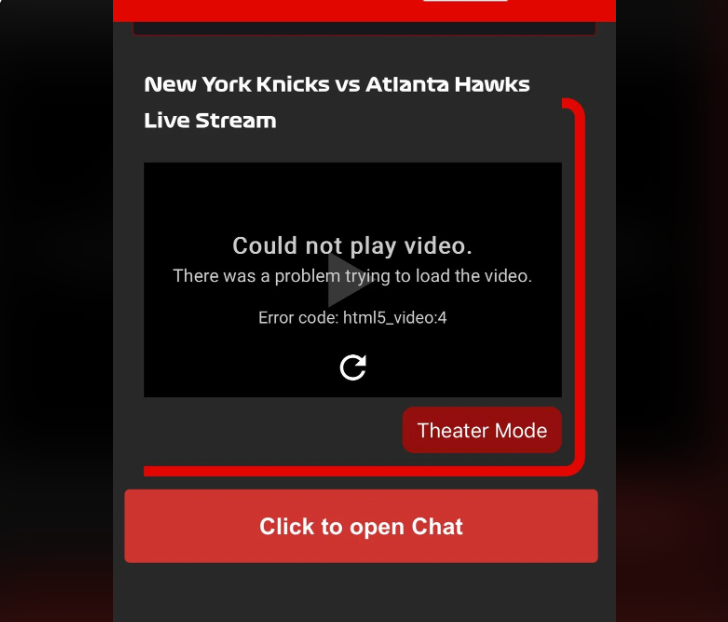
If the blackout period has ended but the replay button still doesn't appear, refreshing the event page or restarting the app is worth trying first, since the replay label can sometimes update with a short delay after the official unlock time. If the replay is still missing after that, checking the platform's help section or support page for that specific event or league is a reasonable next step. The replay may also be filed under a different category altogether, such as "Archives," "Past Events," or "On-Demand," rather than staying on the original event page.
Another situation worth knowing about: the replay itself can sometimes carry a separate regional restriction from the live event, meaning some platforms apply a second blackout specifically to replays, so the replay might only become available in certain regions even after the live blackout has fully ended. Seeing a "Not available in your region" label specifically on the replay page can mean the content is restricted for your location on that platform going forward, rather than just delayed. In that case, checking the local broadcaster's own streaming service or website is worth doing, since replay rights are sometimes licensed entirely to a regional broadcaster separately from the original platform. Reading the terms or help notes on the specific replay page before assuming it will become available is generally the safer habit here.